Use facial analysis to understand what suits your hair, brows, and makeup
Upload one clear portrait and get a practical facial analysis report for face shape, hairstyle ideas, brows, makeup, visible skin cues, and proportions.
Upload your portrait
Choose a front-facing photo from your device. FitHairAI facial analysis reads visible traits and turns them into beauty notes you can use.
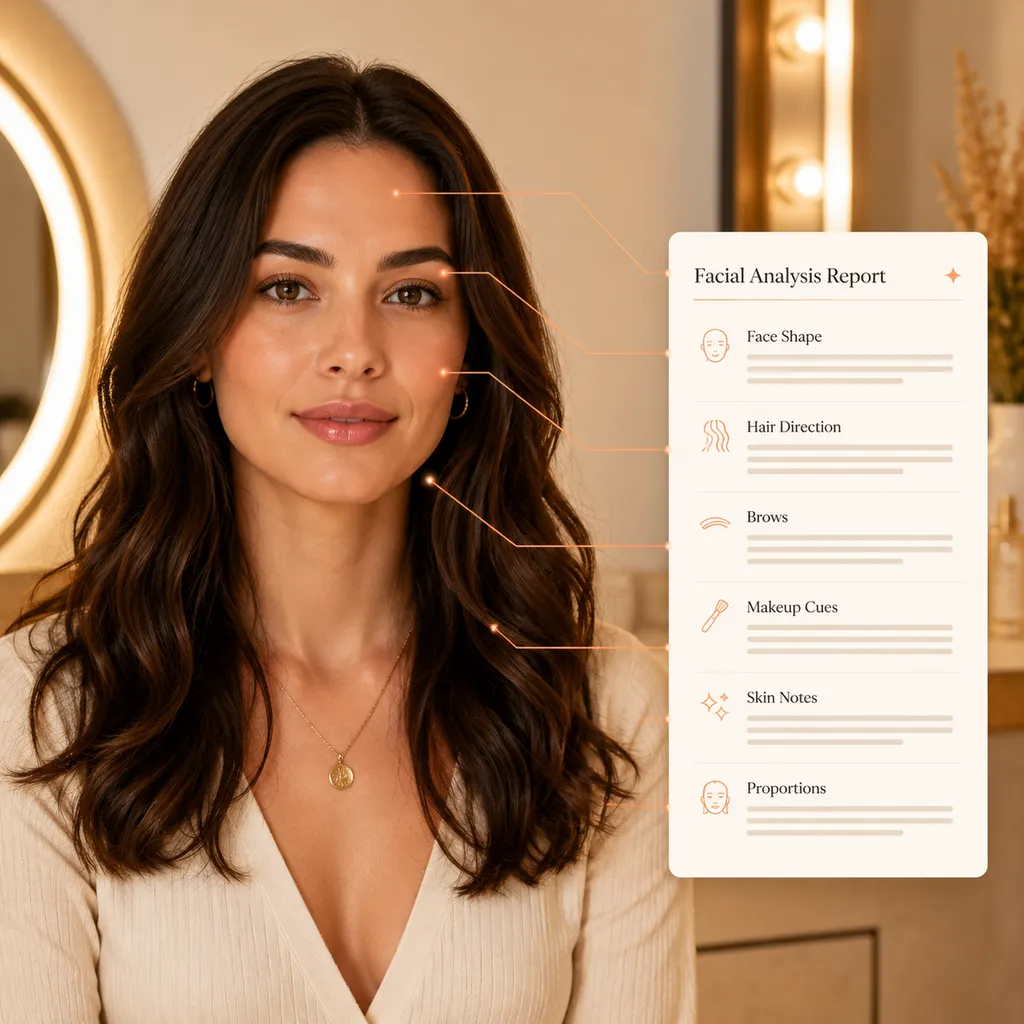
- Front-facing
- Clear jawline
- Natural light
Your photo is used to create the report after the upload finishes.
How to use AI facial analysis
Start facial analysis with one photo
The facial analysis flow is made for quick style planning. You do not need a prompt, a salon visit, or a long questionnaire.
Upload your photo
Choose a front-facing portrait with your face, brows, cheekbones, and jawline clearly visible.
AI facial analysis
The model reviews visible structure, then separates the notes for hair, brows, makeup, skin visibility, and proportions.
Get your result
Review a six-part facial analysis report before choosing a haircut, changing color, planning makeup, or talking with a stylist.
Why use AI facial analysis
Use facial analysis before you cut, color, or book
Facial analysis helps turn vague inspiration into practical direction. It gives you a way to compare ideas with your own features before making a real change.
Understand your face shape
A facial analysis report can show whether your features read closer to oval, round, heart, square, or another direction, then give you a starting point for hair choices.
Match hair ideas to your features
Use facial analysis to sort through lengths, layers, fringe, and face-framing details that support your natural proportions.
Plan brows and makeup with context
Get cosmetic notes that look at brows, facial balance, and visible skin cues together instead of treating each choice in isolation.
Bring a cleaner reference to your stylist
Share the facial analysis notes as a conversation starter for your next cut, color, brow, or makeup appointment.
Explore other tools
Keep shaping the look after your facial analysis
Use the facial analysis report as your starting point, then try color, hairstyle design, and haircut pages that help you preview the next step.
Color planning
AI Hair Color Changer
After facial analysis, preview blonde, brunette, red, fashion colors, and softer tones before committing to dye.
Try hair colorsCustom hair concepts
AI Hair Design
Describe the look you want and generate a more specific hairstyle direction from your portrait.
Design a hairstyleLength preview
Long Hair Ideas
Explore long layers, waves, and face-framing shapes that can work with your report.
Explore long hairCut planning
Bob Haircut Guide
Compare bob shapes, lengths, and styling details before moving into a shorter cut.
See bob ideasFAQs
Questions about AI facial analysis
What kind of photo works best?
Use a clear, front-facing portrait in even light. Avoid heavy filters, tilted angles, sunglasses, or hair that covers the brows and jawline.
What will the report include?
The report covers face shape, hairstyle suggestions, eyebrow direction, makeup notes, visible skin cues, and facial proportions.
Is the analysis a fixed beauty rule?
No. Treat the report as a style planning reference. Personal taste, hair texture, lifestyle, and stylist judgment still matter.
Is the skin section medical advice?
No. Skin notes are cosmetic and educational only. FitHairAI does not diagnose conditions or replace a dermatologist.
What happens to my uploaded photo?
Your photo is uploaded so FitHairAI can generate the report. Uploaded photos are automatically deleted after 24 hours, ensuring 100% privacy. Avoid uploading any image you would not want processed by an online tool.
Does it use credits?
Yes. A successful facial analysis uses credits from your FitHairAI account, and the current cost is shown near the upload panel.
Ready for a clearer style direction?
Upload a portrait for your facial analysis report
Start with one photo, then use the report to choose hair, brows, makeup, and salon references with more confidence.
Analyze my photoUse a front-facing photo for the best result.