Check the fringe area
Compare curtain bangs, wispy fringe, fuller bangs, or no bangs so you can see how the front pieces frame your eyes and forehead.
Start with a clear selfie, then test how a wolf haircut changes the front pieces, crown lift, fringe, and length before you make the cut. Compare softer salon layers, shaggy texture, Korean-inspired fringe, short crops, longer shapes, curly versions, or a wolf cut with bangs.
Treat the AI wolf haircut result as a planning reference. It helps you explain the direction, while your stylist adjusts the cut to your real texture, density, growth pattern, and daily styling routine.
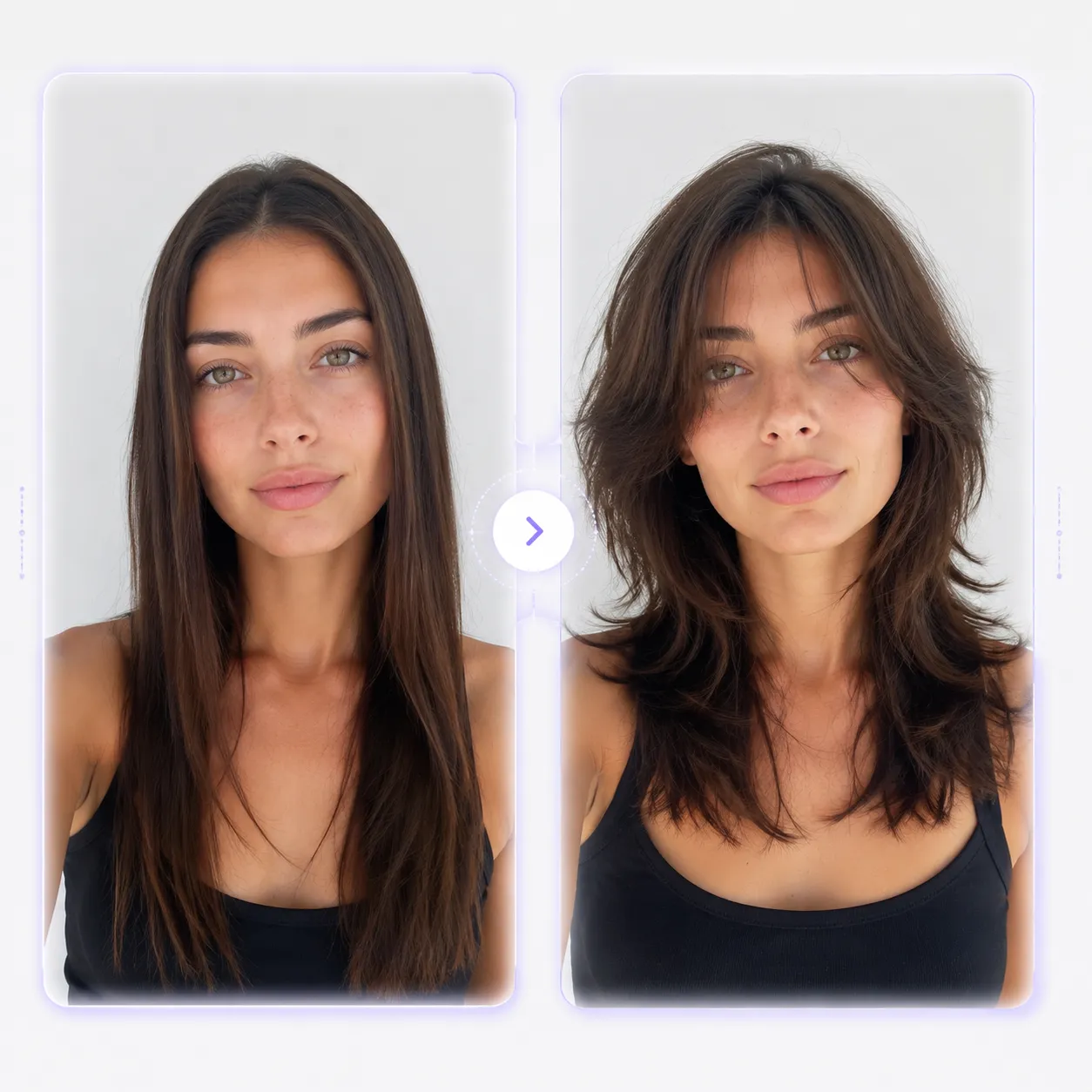
Treat the AI wolf haircut result as a planning reference. It helps you explain the direction, while your stylist adjusts the cut to your real texture, density, growth pattern, and daily styling routine.
Click to upload or drag and drop a portrait here
JPG, PNG, WebP • Max 10MB
What to preview first
A wolf haircut filter is most useful when it helps you inspect the decisions that are hard to undo. Use the preview to compare one change at a time before you turn the idea into a salon request.
Compare curtain bangs, wispy fringe, fuller bangs, or no bangs so you can see how the front pieces frame your eyes and forehead.
Look at where the shortest face-framing pieces start, how much separation appears, and whether the shape feels too disconnected.
Test a long wolf cut before a shorter version if you want movement without losing too much length at once.
Keep notes for bangs length, crown volume, side fullness, back length, and the details you want your stylist to avoid.
Wolf haircut styles to compare
Soft, shaggy, Korean-inspired, long, short, curly, and bangs-focused wolf cut ideas can all change the same face differently. Use the style cards as decision prompts, not just names.

Lower-risk test
Best for checking subtle face-framing, lighter layers, and movement while keeping enough length for a safer salon conversation.
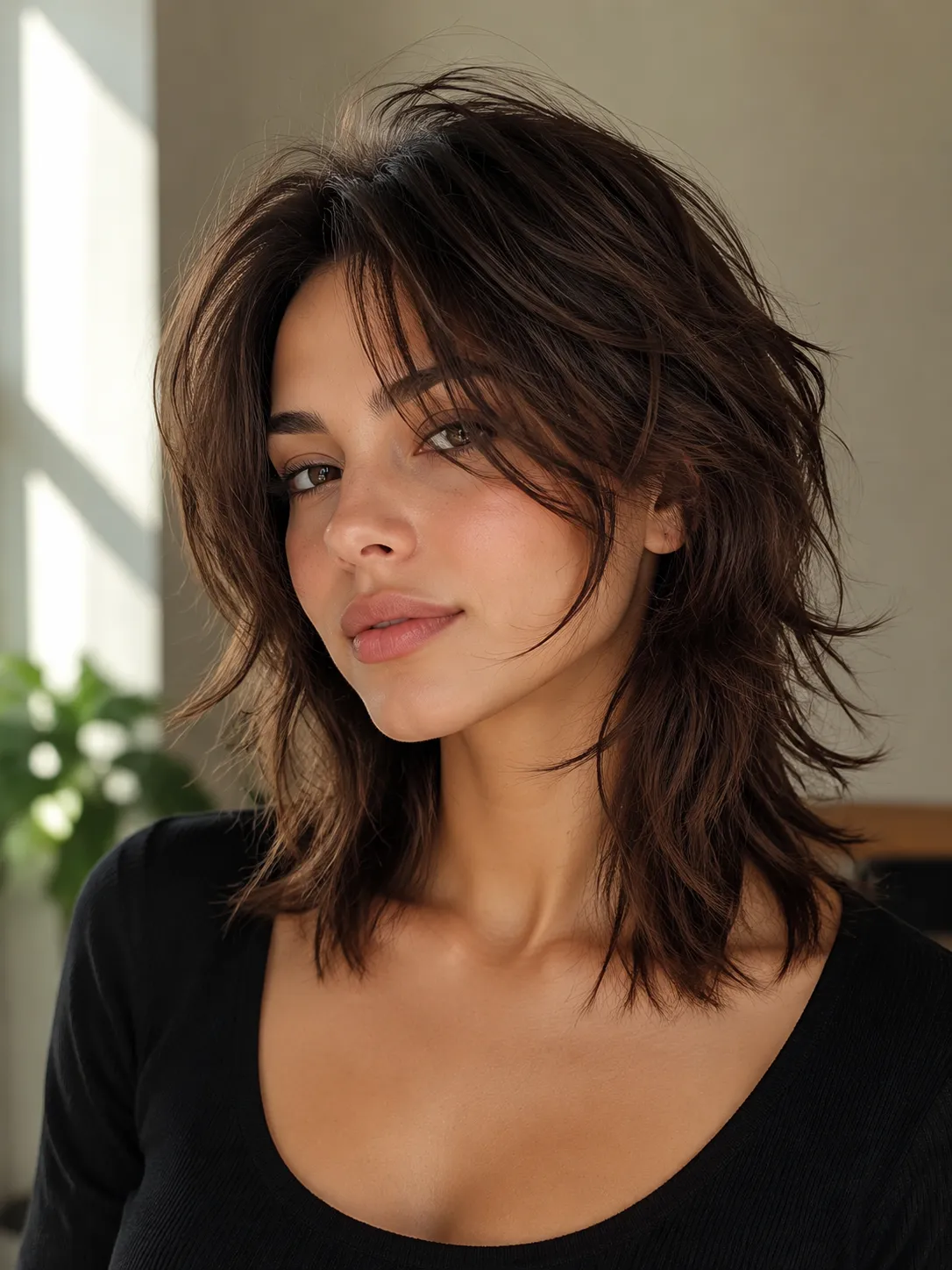
More movement
Best for testing whether stronger texture, crown lift, and visible separation feel balanced or too heavy on your features.
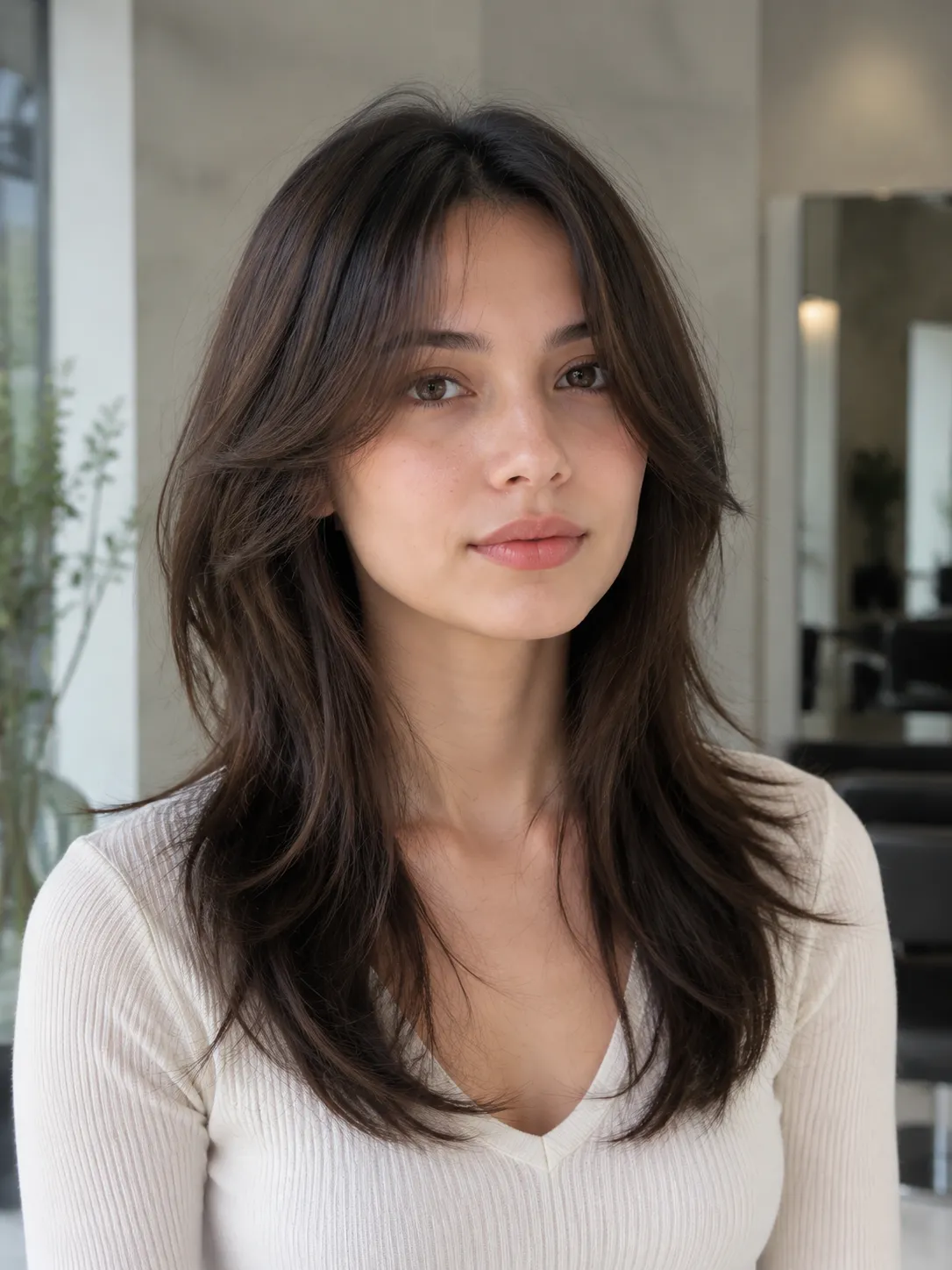
Fringe check
Best for comparing curtain bangs, airy fringe, Korean-inspired front pieces, or fuller bangs before cutting around the eyes.
Upload a clear selfie, choose a wolf cut direction, inspect bangs, layers, crown volume, and length, then save the best result as a salon reference.
Choose a photo where your hairline, face outline, jawline, shoulders, and current length are easy to see. Avoid hats, hands, blur, and heavy filters.
Start with soft, long, shaggy, Korean, short, curly, or bangs-focused wolf cut ideas. If unsure, compare a softer or longer version first.
Check the bangs, crown height, side volume, face-framing pieces, tapered ends, and whether the look still feels like you.
Keep the strongest version and add simple notes for length, layer strength, fringe density, volume, and what feels too dramatic.
Hair type and style fit
The style can be soft and wearable or choppy and dramatic. The useful preview is the one that helps you understand what your own hair can support.
AI can show a direction, but real hair responds to density, curl pattern, humidity, styling product, and how the back layers are cut. Use the result to narrow the conversation, then let a stylist adapt it.
Fine hair may need product or blow-drying to hold crown height and separation. A soft wolf cut can be easier than a heavily disconnected cut.
Curly hair can support the shape well, but curl shrinkage and bulk need planning around the crown, sides, and ends.
A short wolf cut can strongly change the jawline and fringe area. Preview it beside a longer option before committing.
Test longer top movement, back length, fringe, and a masculine or androgynous silhouette without relying on a celebrity reference.
Before you trust the result
A virtual wolf haircut works best when you inspect the practical details before making a real haircut decision.
Uploaded photos are deleted after 24 hours. Generated images are deleted after 30 days, and you can delete generated images yourself at any time. Avoid uploading photos with IDs, house numbers, license plates, children, workplace details, or other sensitive background information.
Related tools
A wolf haircut filter session often overlaps with length, bangs, face framing, and color. Use nearby tools to test the parts you are still unsure about.
Try a new shade with your wolf cut reference before you make a combined cut and color decision.
Compare a long wolf cut against softer long hair if you want movement but are not ready for a dramatic chop.
Test a shorter, cleaner shape if you are choosing between wolf cut texture and a more structured bob.
Practical answers before you preview or request a wolf haircut.
Plan your wolf haircut before the salon
Use one selfie to think through the wolf cut details that matter most, then save a clearer reference for your next salon conversation.