Check your face shape
Use the long hair filter to compare how longer hair sits around your cheekbones, jawline, forehead, and hairline before you choose a direction.
Upload a clear portrait and use the long hair filter to see how extra length sits on your face. Try straight, wavy, curly, layered, bangs, ponytail, and men's styles before you grow it out, book a salon visit, or buy extensions.
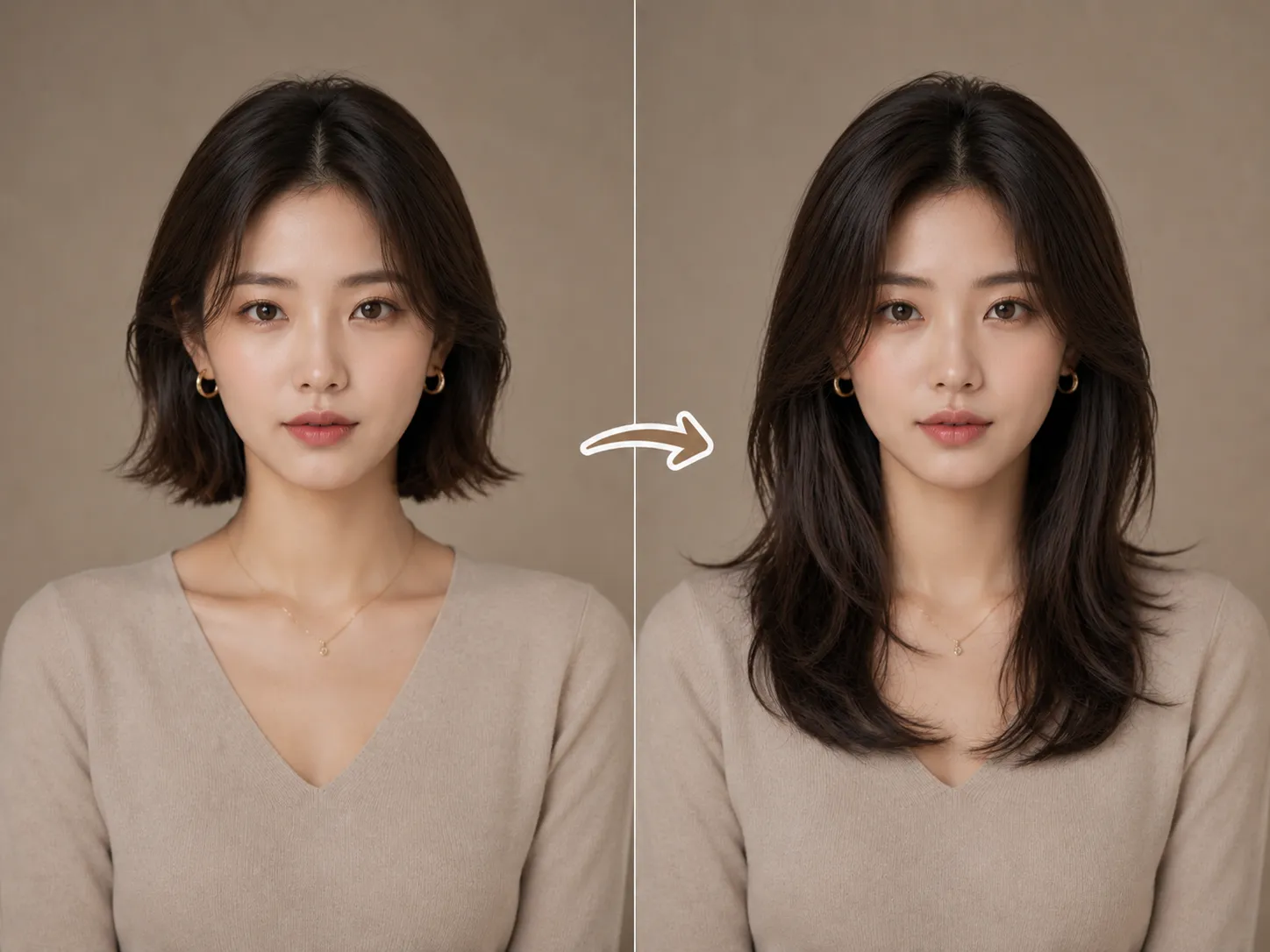
Click to upload or drag and drop a portrait here
JPG, PNG, WebP • Max 10MB
Why preview first
Growing it out takes time. Extensions, wigs, and salon work can also get expensive fast if the shape feels wrong. The long hair filter gives you something useful to compare before you decide.
Use the long hair filter to compare how longer hair sits around your cheekbones, jawline, forehead, and hairline before you choose a direction.
Use the long hair filter to see whether shoulder length, chest length, soft volume, or a sleeker finish looks believable on your photo.
Save a long hair filter result to narrow down the idea before a salon consultation, extension purchase, or profile photo update.
Model photos can inspire you, but your own portrait makes the long hair filter more useful for a real decision.
Upload a clear selfie, choose or describe a longer hairstyle, generate a long hair filter preview, and compare the result before you commit.
Choose a front-facing portrait or a slight side angle. The long hair filter works better when your face outline, forehead, ears, and hairline are easy to see.
Select a style card or describe the look, such as soft waves with face-framing layers or straight length with curtain bangs.
Review the long hair filter result, save a favorite direction, and use it as a salon, wig, extension, or profile image reference.
Long hairstyle ideas
Use one selfie with the long hair filter to compare a few realistic directions before you choose the version worth refining.
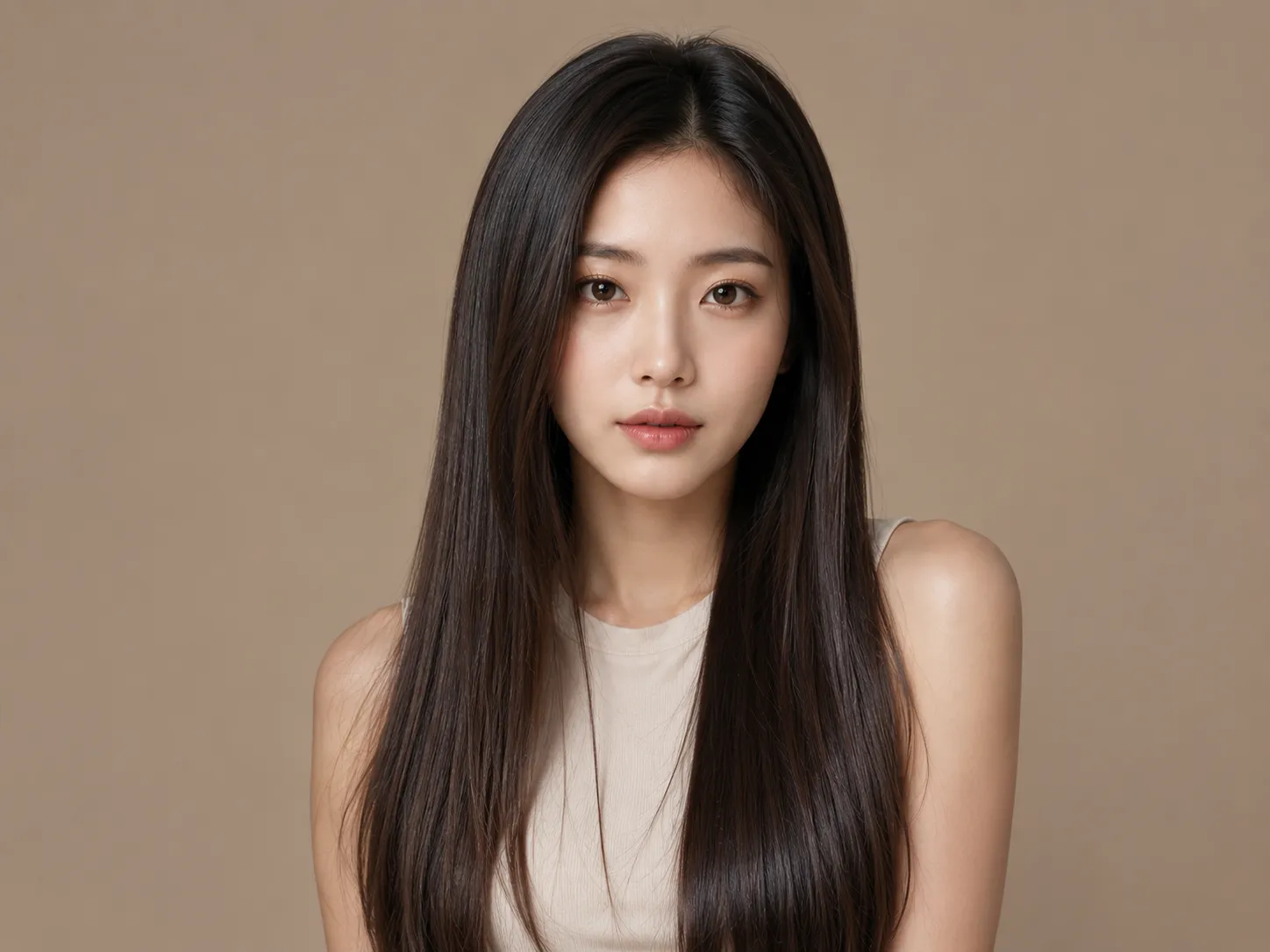
A polished long hair filter result that puts length and shine first. Useful when you want a clean salon reference.
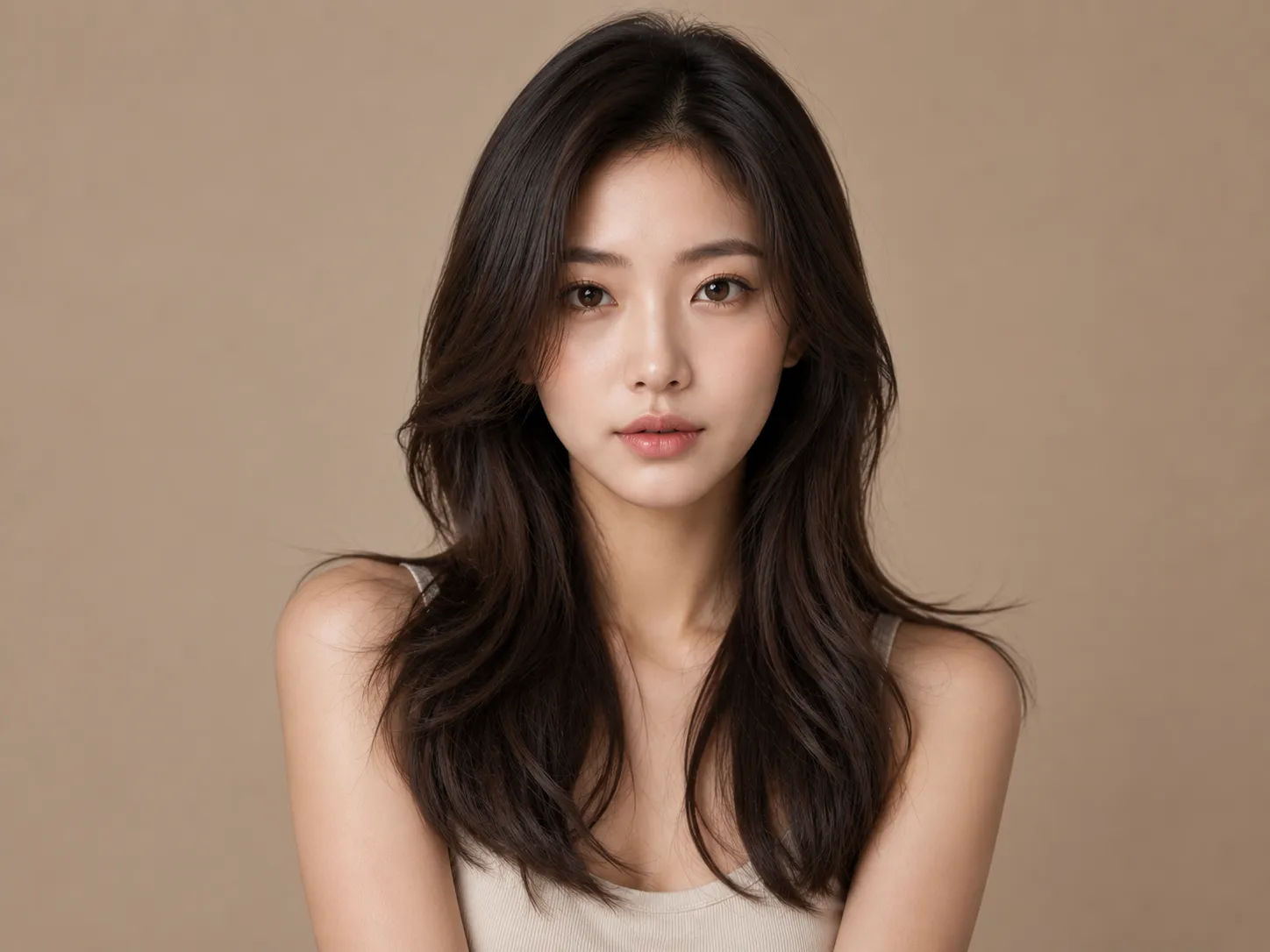
A soft-wave long hair filter result gives natural movement without heavy styling, so you can check volume around the cheeks and jaw.
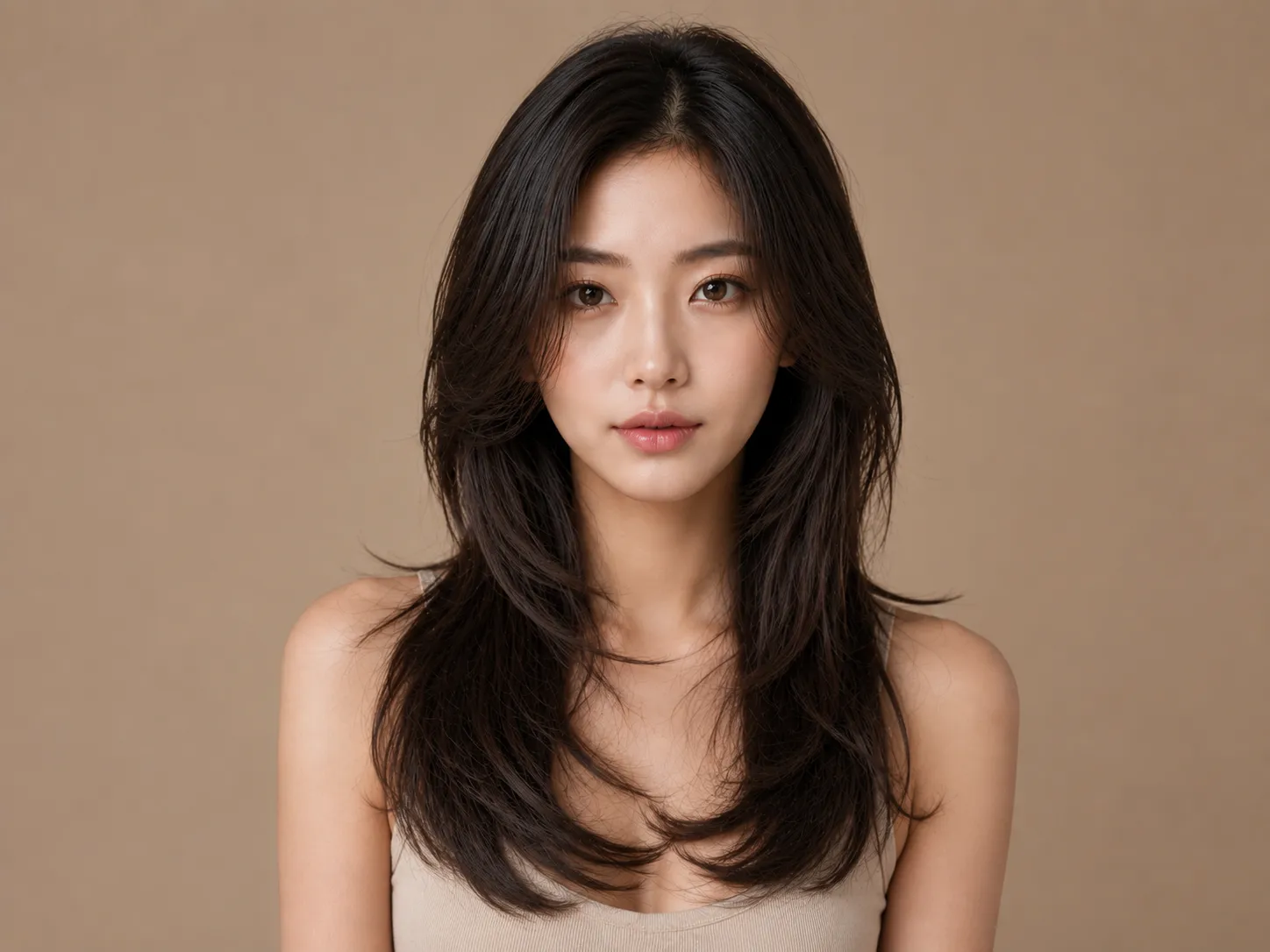
A long hair filter preview with face-framing layers, butterfly layers, or a lighter textured finish can keep the style from looking too heavy.
Style guide
The long hair filter works best when you compare more than one shape. Try texture, bangs, layers, and simple updo references to see which silhouette fits your face.
Start with the main texture in the long hair filter. A straight finish gives a clean line, soft waves add movement, and curls create more body.
Use the long hair filter to test butterfly layers, curtain bangs, and face-framing pieces around the forehead and jawline.
Try everyday styling references such as a low ponytail, loose braid, fishtail braid, messy bun, or half-up look.
Use the long hair filter to preview shoulder-length hair, surfer waves, natural long layers, a long fringe, low ponytail, or man bun before growing it out.
Face shape check
The long hair filter is more useful when you compare several styles against your own proportions. Use these notes as a guide, not a rulebook.
Hair texture, natural density, hairline, head angle, and personal style all affect the final impression. Generate a few variations and look for the shape that feels most natural on you.
A long hair filter preview with longer layers, a side part, or face-framing length can create a more vertical line and reduce extra width.
In the long hair filter, soft waves and layered sides can make the jawline feel less sharp while keeping the overall look defined.
Volume below the chin and gentle face-framing pieces can help balance a wider forehead with a narrower chin.
Waves, curtain bangs, or moderate side volume can keep the new length from making the face look too extended.
Length guide
Use these long hair filter length references to describe the new look more clearly when you generate, save, or discuss the result.
Around the shoulders
A practical first step for short or medium hair users who want longer hair without a dramatic silhouette.
Below the shoulders
In the long hair filter, this length shows more movement and works well with soft waves, light layers, or a clean straight finish.
Mid-length style
A stronger length change where layers, volume, and face-framing pieces become more important.
Below the chest
Best tested with several textures because extra length can stretch the face visually and add weight.
Planning notes
Treat the long hair filter as a planning reference. The real result still depends on texture, density, care routine, and salon execution.
Growing hair takes months. Extensions, wigs, or clip-ins can get the look faster, but the final shape still needs fitting and styling.
Longer hair may need more drying time, detangling, heat protection, and product control than your current cut.
Save the long hair filter preview that feels closest to your goal and discuss length, layers, color, and maintenance with a stylist.
AI hairstyle previews are planning images. Lighting, pose, photo quality, and hairstyle complexity can change the generated result.
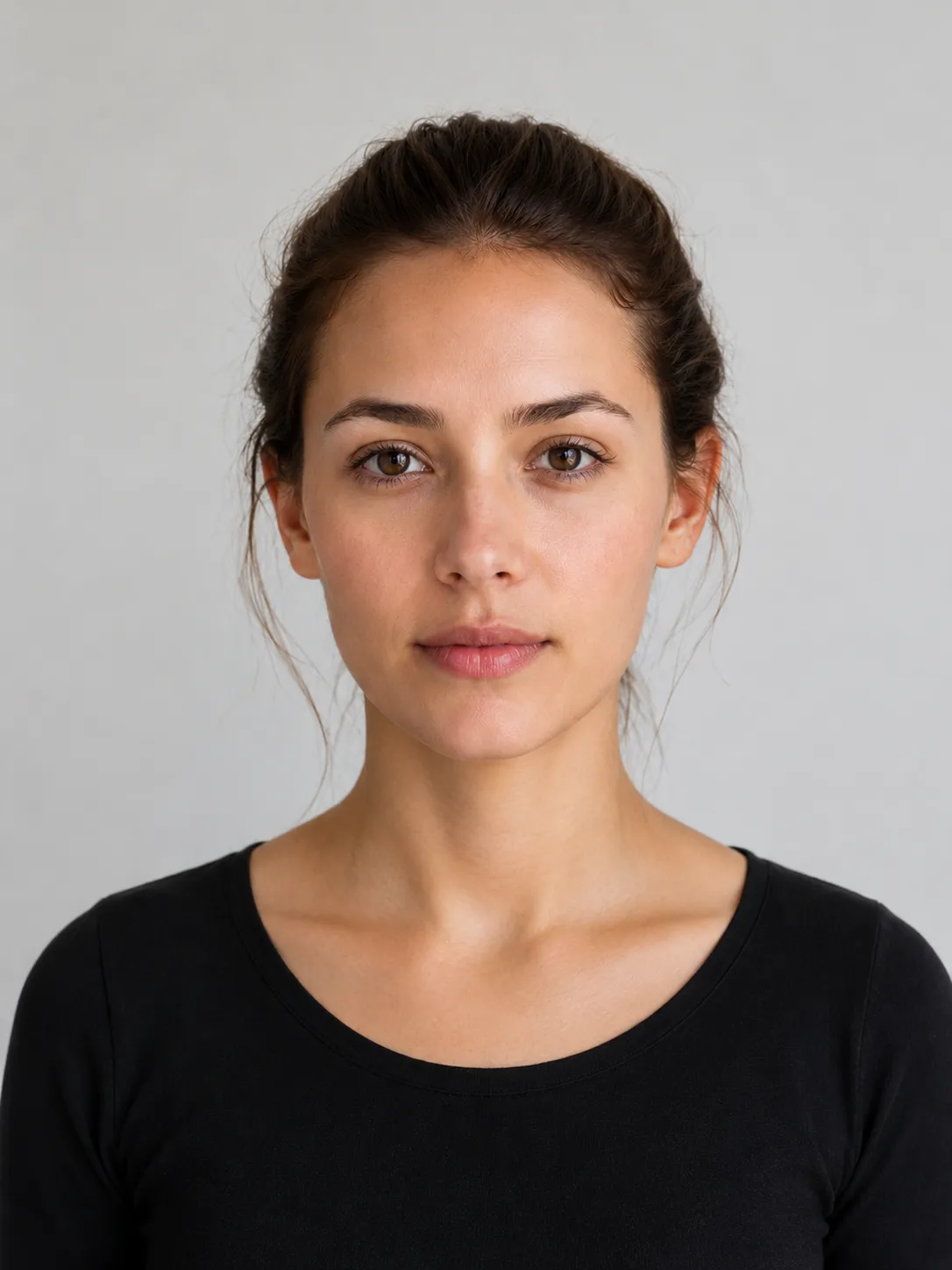
Photo tips
The long hair filter needs a clear portrait with useful information about your hairline, face edges, shadows, texture, and head position.
Soft, even lighting helps the generated hair blend with your face and original image.
Avoid hats, hands, heavy shadows, strong beauty filters, low resolution, and crowded backgrounds when possible.
A visible forehead, ears, and face outline help the long hair filter place the added length more naturally around your features.
Practical answers before you preview a longer hairstyle.
Try it now
Use the long hair filter to choose a longer hairstyle direction, preview the new look on your own face, and save a clearer reference before you grow it out, visit a stylist, or try extensions.